Volunteer Coordination Tools That Integrate With Existing Nonprofit Stacks
Integration with your existing tools matters more than the volunteer scheduling features themselves.

Volunteer coordination tools work best when they fit the nonprofit’s existing stack. The goal is less data reconciliation, so coordinators can spend more time running programs and supporting volunteers.
Why most nonprofits feel the integration pain before they feel the volunteer coordination pain
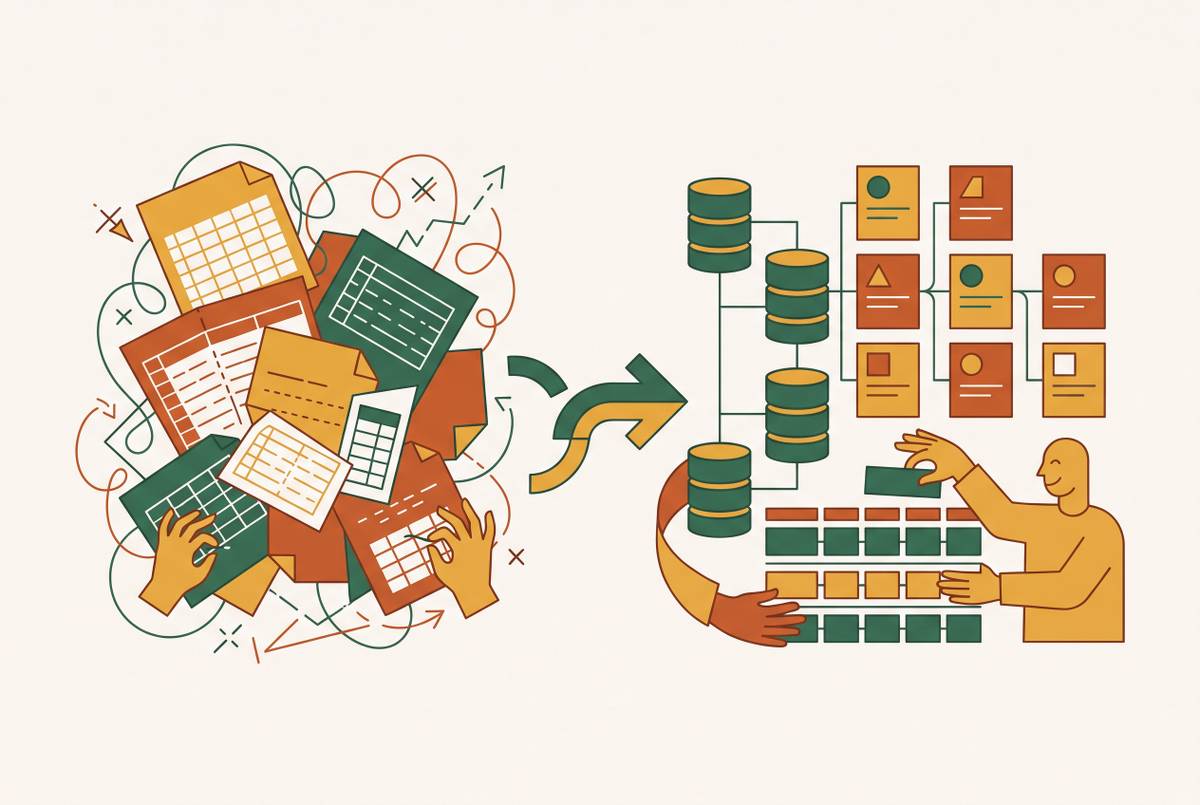
A coordinator switches between the donor CRM, an intake form, and a scheduling app, copying details into a spreadsheet that may already be stale. To reach volunteers who also donate, the coordinator has to compare lists. Finding program participants who might volunteer requires another lookup. The work is not just scheduling people, but reconstructing relationships across systems that each hold part of the picture.
The CRM arrives for donor tracking, followed by an intake tool for programs and a reporting layer for grants. Each solves a discrete problem. By the time volunteer scheduling gets its own app, several platform choices are already settled, even though those platforms were never designed to work together.
The volunteer tool therefore inherits the stack’s integration debt. A better scheduling screen alone cannot sort out contact lists that disagree or make grant reporting use up-to-date volunteer records. For nonprofits with limited staff, that reconciliation falls to the same two or three people who also run the program. This is a systems problem before it is a feature problem, and it changes what a useful tool comparison needs to examine.
What "integration" actually means across the volunteer tool landscape — and where the word gets loose
In a native unified platform, data on volunteers and donors stays in one database. There is no second dataset to sync. Bloomerang Volunteer and Neon CRM work this way, with the records for volunteers and donors in a single object model. Here, “integration” describes how parts of one system work together.
A direct CRM integration connects a volunteer tool to an external CRM through a defined schedule or trigger. VolunteerHub offers direct integrations as well as connections through Zapier. Those are different operational arrangements. A middleware-dependent connection runs through an automation layer such as Zapier, so it depends on one more thing that can break without warning after a platform update or a change in plan.
Even a reliable sync leaves two tools to maintain. The organization still has two datasets, billing relationships, support contracts, and user permission sets. Consolidation removes the need to sync volunteer and donor records, but requires migration. Connecting separate tools preserves existing investment while leaving ongoing maintenance work.
Neither arrangement wins on its label alone. The practical distinction is what the connection does, what depends on it, and where responsibility sits when it fails. For a coordinator evaluating a vendor’s integration claim, the diagnostic question is not “does it integrate?” but “what breaks if the integration goes down, and who fixes it?”
The unified-platform options: tools where volunteer and donor data share one system
For a nonprofit that has not committed to a CRM, choosing donor and volunteer management together can avoid a separate sync from the start. Bloomerang includes Volunteer in its Giving Platform Standard and Pro tiers, with contact for pricing. It has retention tools, flexible self-scheduling, and a mobile app for volunteers. Reporting spans volunteer and giving activity, so the shared system supports more than shift administration.
Neon CRM has volunteer scheduling and donor records in the same system. Neon One says it can detect conflicts, manage waitlists automatically, and send shift reminders by email or text. Those features cut the work of managing schedules, with no need for a separate volunteer product. Neon uses revenue-based monthly pricing, so cost depends on the nonprofit’s revenue rather than a single published amount in this comparison.
Giveffect also brings volunteer information into its own CRM. Giveffect’s FAQ describes volunteer information as part of the contact record, while its smart-automation page says volunteer shifts and hours are automatically logged in the CRM. Pricing is contact for pricing.
Golden combines volunteer coordination with fundraising features. Golden has a free plan, a paid Professional tier billed once a year, and custom Enterprise pricing. Its AI fundraising tools can surface volunteers who may be ready to become financial supporters, but those tools are Enterprise-only. The plan distinction is important when comparing the fundraising functions available at each tier.
The appeal of shared records is relationship visibility. A coordinator can see that a frequent volunteer has never given financially, or that a lapsed donor remains an active volunteer, without exporting records for comparison. But a unified platform makes the CRM and volunteer tool part of the same purchasing decision. For an organization that relies heavily on Salesforce or Blackbaud, that benefit may not be enough to make moving donor records worthwhile.
Purpose-built volunteer tools with strong CRM hooks, for stacks already anchored to Salesforce or Blackbaud
For an organization keeping Salesforce or Blackbaud, the search starts with the CRM constraint. HandsOn Connect is a Salesforce-native product for volunteer centers that is now part of the larger Better Impact platform. Its native design makes it a tool to consider for organizations that use Salesforce. The connection model for Blackbaud needs to be evaluated separately.
Better Impact bought Galaxy Digital on March 11, 2026, a big change in who owns the tools in this part of the market. The expanded platform includes Volunteer Impact, Amplify, Sustain, Get Connected, Volunteer Link, and HandsOn Connect. Their roles differ. Amplify is for enterprise organizations that have more than one location, program, and coordinator, while Sustain is for organizations with one location and Volunteer Link is for corporations and universities.
For Get Connected customers, the acquisition belongs in upcoming renewal conversations. New ownership can affect the roadmap, but that possibility is not evidence that customers need to leave. The practical response is to request explicit commitments on the API roadmap, maintenance of existing integrations, and pricing terms. Those questions address the connection the nonprofit depends on, rather than treating the ownership change as a verdict on the product.
VolunteerHub is another option for programs that are keeping the platforms they already use. VolunteerHub describes its product as built for nonprofits that have outgrown basic tools, with automation, reporting, and communication features for high-volume volunteer programs. It supports direct integration and Zapier connections. The nonprofit needs to check which route works with its CRM and moves the data it needs to move.
Integration depth distinguishes these choices more than the presence of a CRM logo. A Salesforce-native product behaves differently from a tool that syncs through an API, while field mapping, data fidelity, and real-time versus batch updates affect how volunteer records enter donor stewardship workflows. Buyers in this position should establish those details before treating two connections as equivalent.
Lightweight and free-tier tools for smaller nonprofits whose stack isn't locked in yet
A simpler stack gives a nonprofit more room to choose around its current program. It does not require an enterprise platform. The tool needs to handle today’s coordination work and let the nonprofit move the records it creates when needed. Free or lightweight software can fit that need without being a lesser version of the right answer.
Volgistics provides scheduling, assignment management, and a central volunteer database. Volgistics has an optional volunteer self-service module called VicNet, which volunteers can use through the web or its mobile app. Pricing is based on record count. With this model, archiving volunteers who are no longer active helps keep costs predictable, so the cost depends in part on how the records are managed.
SignUpGenius fits a narrower coordination need. It is a simple sign-up tool for organizations managing events without needing a full volunteer management system. For a program moving beyond that scope, VolunteerHub also serves growing organizations that have outgrown basic tools but are not yet at enterprise scale. The distinction is the work the program needs to manage.
The forward-looking issue is data portability. Even a free tool makes contact records, hours logs, and shift history that may need to move later. At this tier, teams should ask about clean CSV exports and connections to Airtable, Google Sheets, or a future CRM. Proprietary formats can create migration debt, while usable exports preserve flexibility without forcing a larger purchase today.
When Airtable is already the volunteer coordination layer — and what to do about it
An existing Airtable setup changes the purchase decision because the nonprofit has already built part of its volunteer system. Linked records, filtered views, and automations can reflect the program’s exact needs. That customization is a real investment. Replacing it means assessing not just a tool, but the process and data structure staff already depend on.
Without additional tooling, it lacks a volunteer self-service portal, automated shift reminders, and purpose-built mobile check-in. These gaps matter more as there is more work to coordinate. A team may therefore have a workable database while still asking volunteers and coordinators to do too much outside it.
A hybrid model keeps Airtable as the data layer and adds the missing experience above it. Noloco is a no-code app builder that can turn an existing Airtable database into a custom application with tailored views for volunteers and coordinators. This offers an extension path that keeps the underlying data in place when the existing structure fits but the way people access it needs to change.
Other alternatives address different workflow preferences. Notion offers a document-centric workspace with simple databases and nonprofit discounts. Monday.com has nonprofit programs and can support volunteer scheduling workflows, though it also lacks a native volunteer-facing self-service portal. Neither alternative should be confused with a purpose-built volunteer system simply because it can organize the work.
For a team already using Airtable, the diagnostic question is whether the problem lies in the data structure or the volunteer-facing experience. That distinction guides whether to extend or replace. When the team depends on the setup’s automations, integrations, and staff routines, moving everything to a new system risks disrupting that work. A technical partner who can audit those dependencies and recommend the minimum viable change is more useful at that stage than a feature comparison alone.
How to run an integration audit before evaluating any tool
The practical next step is a stack audit before a feature comparison. Map every platform in use with the data it owns, including donor records, volunteer contacts, event registrations, and grant reporting data. The map should distinguish sources of truth from downstream consumers. Without that distinction, a new tool may simply add another place where staff must decide which record to trust.
Next, identify the two or three data flows creating the most manual work. Look for data that staff copy and paste, CSV exports they make again and again, and duplicate lists that someone keeps up to date by hand. These are the integration requirements. A candidate tool needs to solve those specific transfers.
For each candidate, establish whether the connection to the existing CRM is native, direct API, or middleware-dependent. Ask what fails when it goes down and who fixes it. Then ask whether volunteer data can be exported cleanly if the product is replaced in two years. Pricing deserves the same scrutiny, including what happens as volunteer records and staff access grow, because per-user and record-count models respond to different kinds of growth.
Ownership changes belong in that evaluation as well. The Better Impact acquisition illustrates why renewal discussions should revisit integration commitments rather than assume that a previous agreement answers every roadmap question. For custom-built or Airtable-based systems, the audit also needs to examine the data model and its dependencies. An engineering partner can help distinguish what is load-bearing, what is technical debt, and what can be extended.
The audit’s output is a shortlist of three tools that actually fit the stack. That makes vendor demos more focused and gives a board or executive director a defensible basis for the choice. Features then answer the remaining questions about day-to-day coordination. They no longer have to compensate for a connection the organization cannot reliably maintain.