Replacing Manual Spreadsheet Workflows in Nonprofits With Lightweight Databases
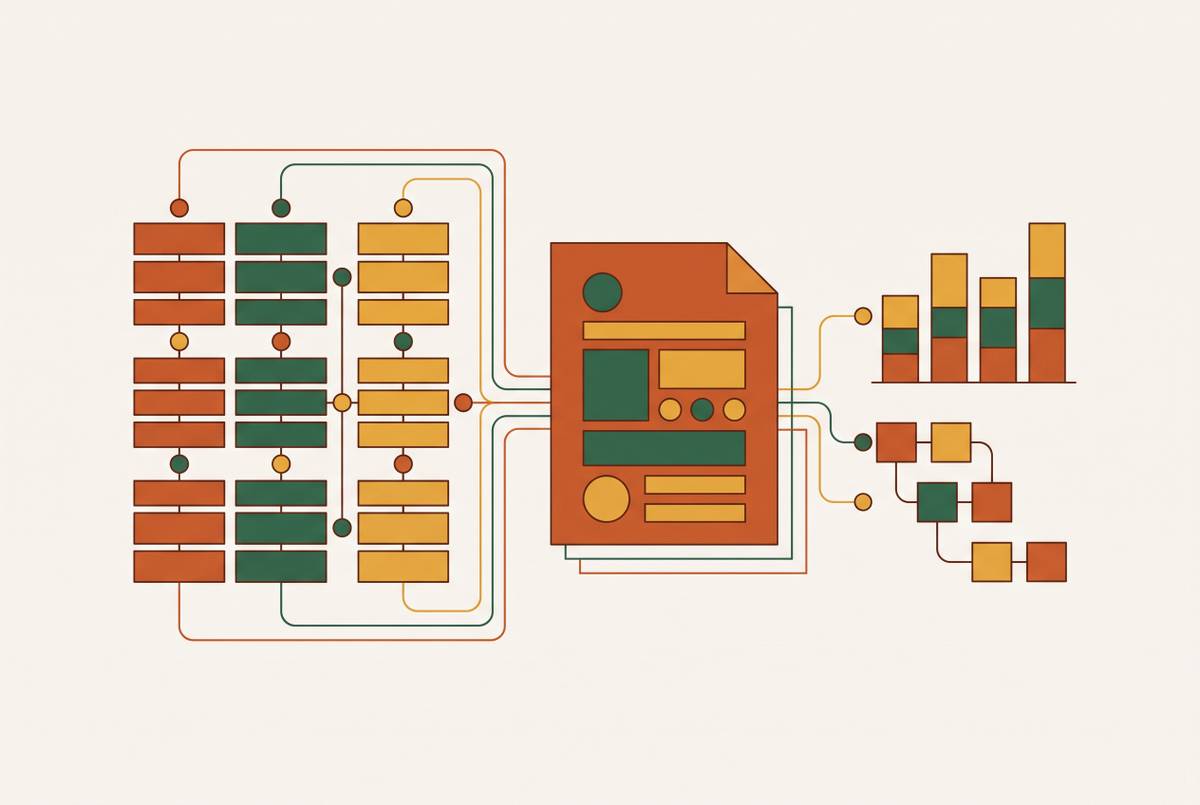
Relational data needs relational structure, not spreadsheet rows.
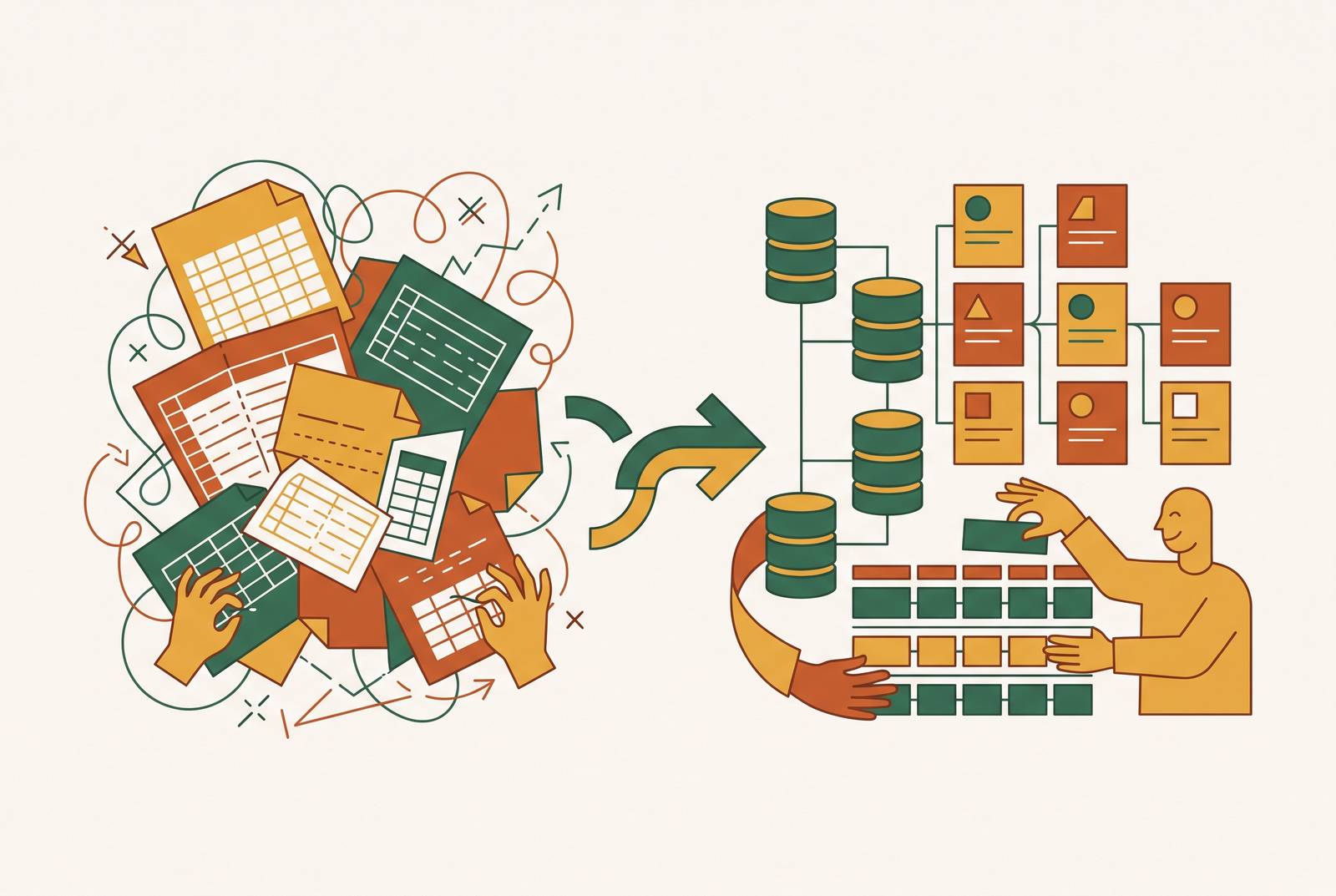
Nonprofit spreadsheets fail because nonprofit data is relational by nature, and a spreadsheet can't hold relationships, only rows.
Why nonprofit data breaks spreadsheets at the structural level
A spreadsheet holds one row per thing. One client, one row. One donor, one row. That works fine until a client touches more than one program, which in a nonprofit is the normal case rather than the exception.
Take a housing nonprofit tracking a client named Jane Doe across shelter, job training, and food pantry programs. She needs one record that connects to three separate streams of activity, each with its own dates and outcomes. A spreadsheet can't express that cleanly. Staff either repeat her name on a new row for every single service she touches, or they split her information across separate sheets and link them by hand, trusting that every tab uses the same spelling, the same client ID, the same format. Both paths introduce error the moment someone new takes over the file, which happens often in a field with high staff turnover.
A one-to-many relationship (one client, many programs, many dates) gets forced into a tool built for flat, one-to-one data, producing the errors staff then have to work around. Once a client's name lives in more than one place, nothing stops one copy from getting updated while the other sits frozen in time. Database people call that loss of referential integrity: the idea that every reference to a record should point back to one true version of it. Spreadsheets have no mechanism to enforce that. Any cell can hold anything, and nothing checks whether two sheets still agree with each other.
The same mismatch runs through nearly everything a nonprofit tracks. Donor records link to gifts, gifts link to campaigns, case notes link to clients, grant requirements link to programs, volunteer schedules link to shifts and sites. None of this is a flat list of things. It's a web of things referencing other things, and a spreadsheet was never built to hold a web. It was built to hold a list.
None of this means a nonprofit using spreadsheets made a bad call early on. For a five-person shelter tracking thirty clients, a spreadsheet is often the right tool. The mismatch becomes visible once the organization grows past the scale that a flat file can honestly represent.
How the structural mismatch compounds into operational drag
The relational gap doesn't stay quiet once it exists. It turns into a recurring tax on staff time, and the bill comes due every time a funder asks for numbers.
Grant tracking is usually the clearest place to see it. In most nonprofits running on spreadsheets, grant data lives in its own file, separate from the case management system and separate from the donor CRM. A funder report means someone has to pull numbers from all three, line them up by hand, and check that they agree. That work should already be done the moment the data is entered. Instead it gets redone, from scratch, every reporting cycle, for every grant, because the three systems were never built to talk to each other.
Staff turnover makes the damage worse. Spreadsheet systems tend to carry their logic in one person's head rather than in the structure of the file itself: which tab feeds which report, which column means what, which manual step has to happen before the numbers are trusted. When that person leaves, the documentation usually doesn't exist or covers only a fraction of what the file actually does. The next person inherits a spreadsheet they don't fully understand and, often, builds a new one instead of learning the old one. Institutional memory resets. Keeping the system's logic outside the system itself predictably resets institutional memory whenever that person leaves, regardless of staffing.
Funders and outside observers can often spot the strain before staff name it directly. A nonprofit leaning on offline spreadsheets, running manual processes outside its core systems, and showing fragmented coordination between finance and programs is showing the signs of a structural mismatch rather than a staffing gap.
Technical debt of this kind is a predictable stage that occurs once an organization has outgrown the tools it started with. The moment to address it tends to arrive precisely when real client volume and real funder scrutiny start to climb, because that's when the reconciliation work scales up with them. The fix for a mismatch this structural has to be structural too. A new spreadsheet template won't close a gap that lives in the shape of the data itself.
Why "lightweight database" matters for nonprofits
A lightweight database is a specific kind of tool, not a stripped-down database for people who can't handle a real one. It enforces the same relational structure a database admin would build, while keeping the controls close enough to the surface that someone without technical training can still run it day to day.
A spreadsheet enforces nothing. Any cell takes any value, any column can vanish with one keystroke, and relationships between sheets exist only because someone agreed to follow a convention and kept following it. An enterprise system like Salesforce sits at the opposite end: it enforces real structure, but getting it to do that requires a trained administrator to configure it, maintain it, and extend it as needs change. The free license Salesforce offers nonprofits isn't the obstacle there. Building and running the system is, and that takes a skill set many nonprofits don't have on staff.
A lightweight database occupies the middle. It holds linked tables, enforces referential integrity, and sets access controls, but it presents all of that through an interface that looks and feels like a spreadsheet, so a program manager can use it without a training course. A tool that still needs a dedicated administrator to function isn't lightweight for a five-person nonprofit, no matter how many features it lists on its pricing page.
A useful test cuts through most of the marketing language: can a non-technical program manager create a linked record, run a filtered view, and fill out an intake form without calling IT? If the answer is yes, the tool qualifies as lightweight in the sense that matters here. Most of nonprofits' real data problems live in the gap between "spreadsheet" and "enterprise CRM," which is why tools built for that middle tier have multiplied in recent years.
The current tool landscape across three tiers
What the organization can actually staff and maintain determines the right tool, not a feature checklist, and that question sorts the current landscape into three tiers.
Tier 1 is the low-code bridge, and Airtable is the clearest example. It's built for nonprofits moving off spreadsheets for the first time, with no technical staff on hand. It looks like a spreadsheet but acts like a relational database underneath, with linked tables, filtered views, and forms for data entry. The Forms view matters in particular for intake work. It lets volunteers enter new client or donor information through a clean form without ever touching the underlying table, so the structure stays intact no matter who's typing. As programs scale, record limits and API call caps start to bind, and pricing climbs with every added user.
A few tools sit alongside Airtable at this tier, each with a real trade-off rather than a flaw. Notion blends documents, wikis, and lightweight databases into one workspace, which makes it strong for standard operating procedures and knowledge bases but weaker for heavy relational data or automation. Knack is a no-code database platform built for organizations of many kinds, nonprofits included, to build custom web apps, CRMs, portals, and internal tools, and it's specifically good at pulling scattered spreadsheets into one central database that non-technical staff can scale on their own. Grist combines spreadsheet-style editing with real database features, custom layouts, formulas, and fine-grained access controls, suited to teams that need more structure than a spreadsheet gives them but more flexibility than a rigid database tool allows.
Tier 2 is self-hosted and data-sovereign, built around tools like NocoDB and Baserow running on PostgreSQL. This tier fits nonprofits with at least one technical staff member or volunteer, or a technical partner on call. Baserow, open-source, carries no record caps or API limits when self-hosted, though its cloud plans cap rows and limit the API to 10 concurrent requests. Full ownership of the data comes with it, which suits growing teams that want to avoid the per-user or per-record pricing that climbs as the database grows. Someone has to manage hosting, backups, and upgrades, whether that's in-house staff or a paid technical partner. For nonprofits handling sensitive client information, owning the database outright, rather than storing it inside a third party's SaaS platform, removes an entire category of vendor-dependency risk. That's the specific argument for choosing this tier over Tier 1.
Tier 3 is enterprise: Salesforce Nonprofit Cloud and its newer Agentforce Nonprofit platform. This tier fits large or complex organizations with dedicated admin capacity and an implementation budget behind it. It can be configured to handle almost anything, from program management to donor tracking to grant compliance, but every one of those capabilities has to be built and maintained, not just switched on. Existing users of the older free offering this platform replaced aren't being forced to move. Salesforce hasn't announced an end-of-life date for NPSP, and current organizations keep their licenses and access. Any nonprofit evaluating Salesforce for the first time today is evaluating Agentforce Nonprofit, not NPSP, and the two aren't built the same way underneath. NPSP organizes individual donors as Contacts nested inside Household Accounts. Agentforce Nonprofit uses Person Accounts, where an individual's account and contact details live on a single record. Moving from one structure to the other looks less like an upgrade and more like starting over. For a nonprofit without dedicated IT staff, the free license was never the real cost. Implementation and the ongoing admin work are, and plenty of organizations have ended up holding free licenses that sit unused because no one on staff knows how to configure the platform.
LiveImpact is a clear example of the purpose-built unified platform. It is a system built around treating fragmentation as one single problem rather than a general-purpose database. Client records, case notes, donor relationships, grant requirements, and program outcomes all live in one database, so staff enter data once and it's available everywhere it's needed, with no manual exports between systems. For organizations whose funding is tied to program outcomes, that connection between client data and funder reporting changes how long a report takes to put together. Pricing doesn't scale with headcount or database size, which changes the long-term math against tools that charge per user or per contact. The honest limitation is that it goes deeper on program and case management than on major-gifts cultivation, so organizations most focused on sophisticated donor cultivation may find more specialized functionality in donor-centric platforms instead.
That's where donor-focused platforms like Bloomerang and DonorPerfect fit, built for fundraising-first organizations. Bloomerang centers on donor retention, with engagement scoring that flags at-risk donors before they lapse, and its pricing scales with contact volume. Neither platform includes case management, so an organization running direct service programs alongside fundraising needs a separate system for client tracking if it picks this tier.
What successful transitions look like in practice
The theory holds up against real cases. Marine Mills Folk School saw its community programs grow faster in size and scope than its spreadsheet system could track, and it moved to Neon CRM, changing how it managed donor data and program registration. That was a jump from Tier 1 territory straight to Tier 3, driven by volume, not by a wish list of new features. NPower, a national workforce development nonprofit focused on tech careers, replaced its spreadsheets for certification tracking with a Salesforce Experience Cloud solution, giving students more direct access to their own records and cutting manual work for staff and instructors. That was a Tier 3 deployment too, but scoped to one specific workflow rather than rebuilt across the whole organization at once.
The pattern across both cases is the same. Each organization started from one concrete operational pain, certification tracking in one case, program registration and donor management in the other, rather than trying to unify every piece of organizational data in a single project.
That scoping discipline is what separates a transition that works from one that stalls. The failure mode runs in the opposite direction: internal stakeholders treat an implementation as their one chance to fix everything at once, and a focused system update turns into a wish list with no edges. The resulting build often looks powerful on paper. It can't flex as programs change, because it was built reactively against a pile of requests instead of designed around how staff actually work day to day.
Having someone with the standing to cut scope and hold firm on requirements as the project moves forward makes the difference.
Choosing and vetting a technical partner for the implementation
Choosing the right tier and the right tool solves half the problem. Who builds it matters just as much, and this is where well-scoped projects most often come apart.
A partner worth hiring should be able to answer a few direct questions before any contract is signed. Who, by name, will push back if a stakeholder tries to add a feature mid-project that wasn't in the original scope? What happens to the system, and to the organization's access to its own data, if the engagement ends? How is training handled for the staff who'll actually run the system after launch, not just for the person who approved the purchase?
A partner who treats every request as billable work, with no pushback on scope, is a warning sign regardless of how skilled the engineering is. The organizations that came out of implementation with a system they could still run a year later had someone on the project, internal or external, whose job was to say no to additions that didn't serve the specific need the project was built to meet. That discipline matters more for keeping the system usable a year later than the technical sophistication of the build itself. A nonprofit vetting a partner should ask to see how that partner has handled scope creep before.